Generate High-Quality AI Images
Learn how to turn Pinterest inspiration into high-quality AI images using ChatGPT and NanoBanana.
This tutorial shows a simple but powerful workflow to generate high-quality AI images using real visual inspiration.
Instead of guessing what works, you’ll reverse-engineer images that already perform well — and turn them into prompts you can reuse, scale, and monetize.
Find Inspiration
Go to Pinterest and search for the aesthetic or style you want.
Examples: luxury photoshoot, valentine aesthetic, editorial portrait, soft romantic lighting
Scroll and explore different styles until something stands out.
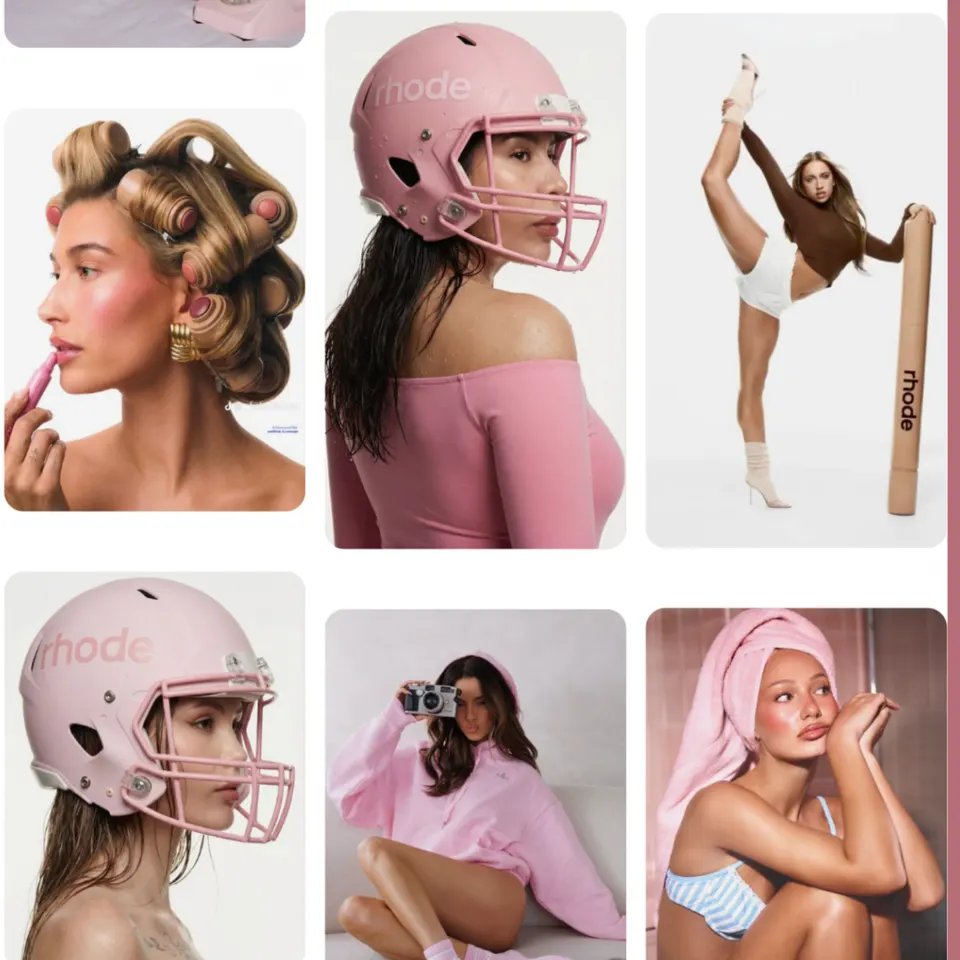
Choose the Inspiration Image
Pick one image you want to recreate, ideally something with strong lighting, a clear subject, and a clean composition that matches a style you’d actually want to reuse.
Try not to go for anything overly complex or messy—simple, clean visuals tend to give much better results.
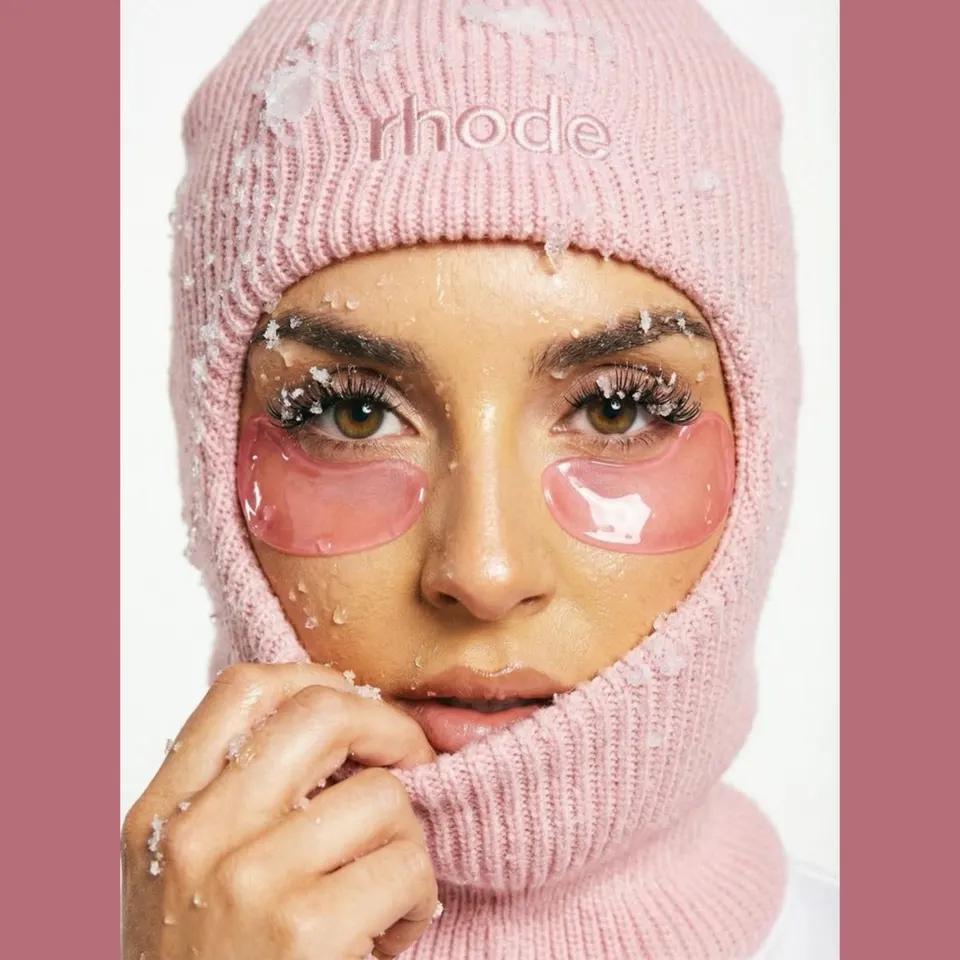
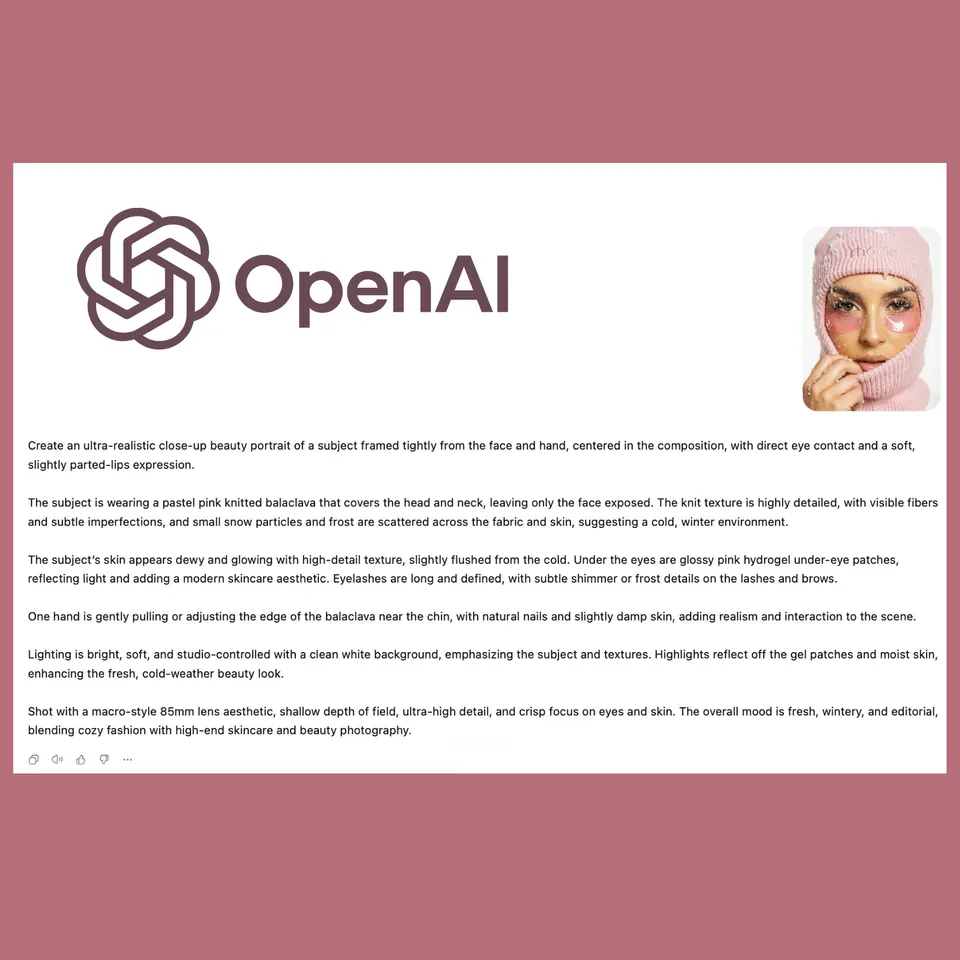
Turn Image Into Prompt
Upload the image to ChatGPT and ask:
Prompt: “Analyze this image and write a detailed AI image generation prompt. Include lighting, camera, composition, styling, mood, and environment.”
Optional:
If you want consistency with your AI avatar.
Add: “Write the prompt for reference image person, and include a subject description like: exact reference image person with same face, hair, and features”
You must also include the reference image in the generation step to maintain the same identity !
Generate Image
Take the generated prompt and:
• upload your reference image (your AI avatar) into the generator
• paste the prompt
Generate the image.